How to stack L-Pro and UV/IR subs together in WBPP

10 replies214 views
Mike H - Sky View Observatory avatar
How can I stack images taken with an L-PRO filter with images taken with an IR/UV filter together? Since they differ in the name with one saying L-Pro and the other UV/IR, they separate in processing ending up with two separate master images. I don't want to add them together after stacking. I want them to stack together. I tried changing the L-Pro name to UV/IR but that doesn't work. I know how to separate the lights for processing using "keywords" since they are different. The exposure time, 300 seconds, is the same in both. Can someone please help me out here? Please use simple instructions if possible smile 

The two different filter results look very close and I don't want to throw away 60 light subs. 

Mike
Respectful
Azhar Rana avatar
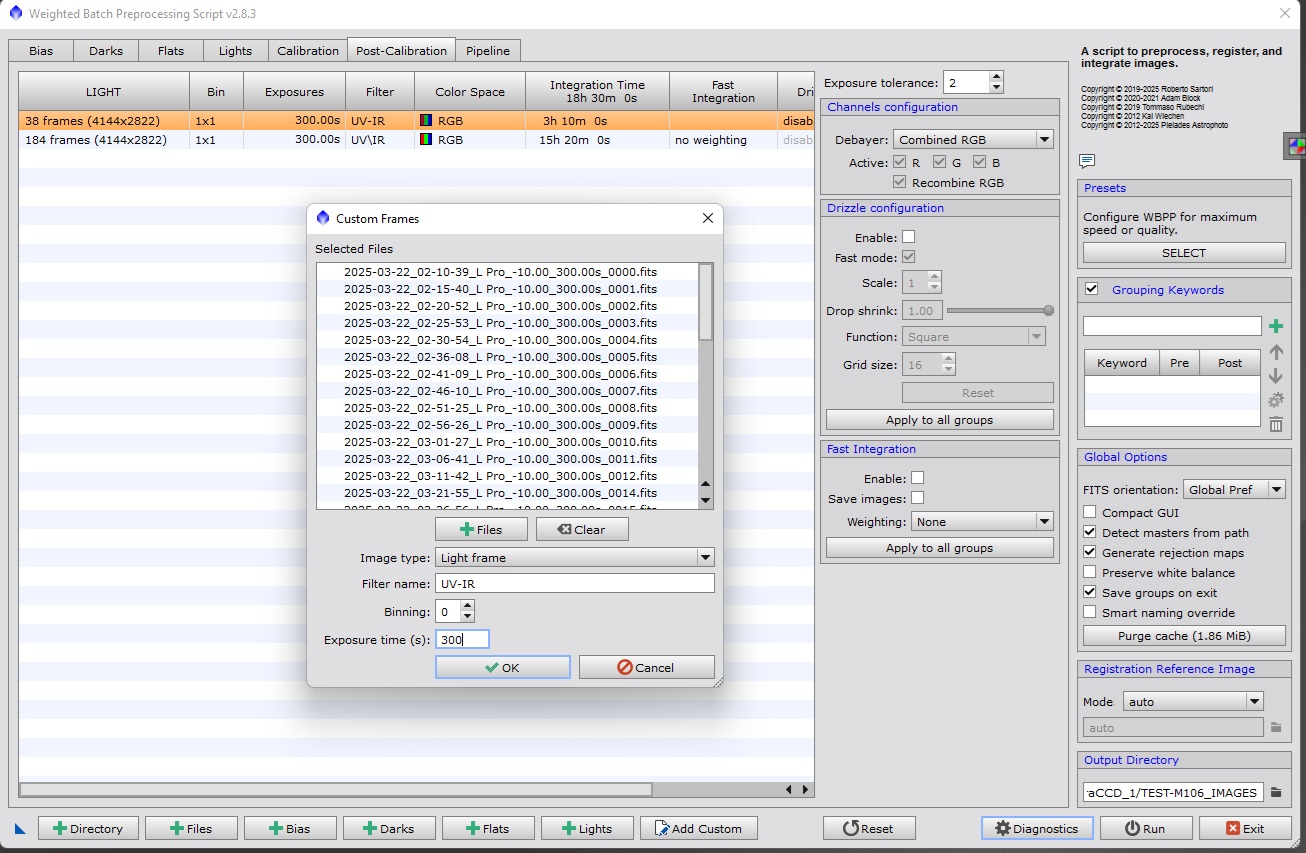
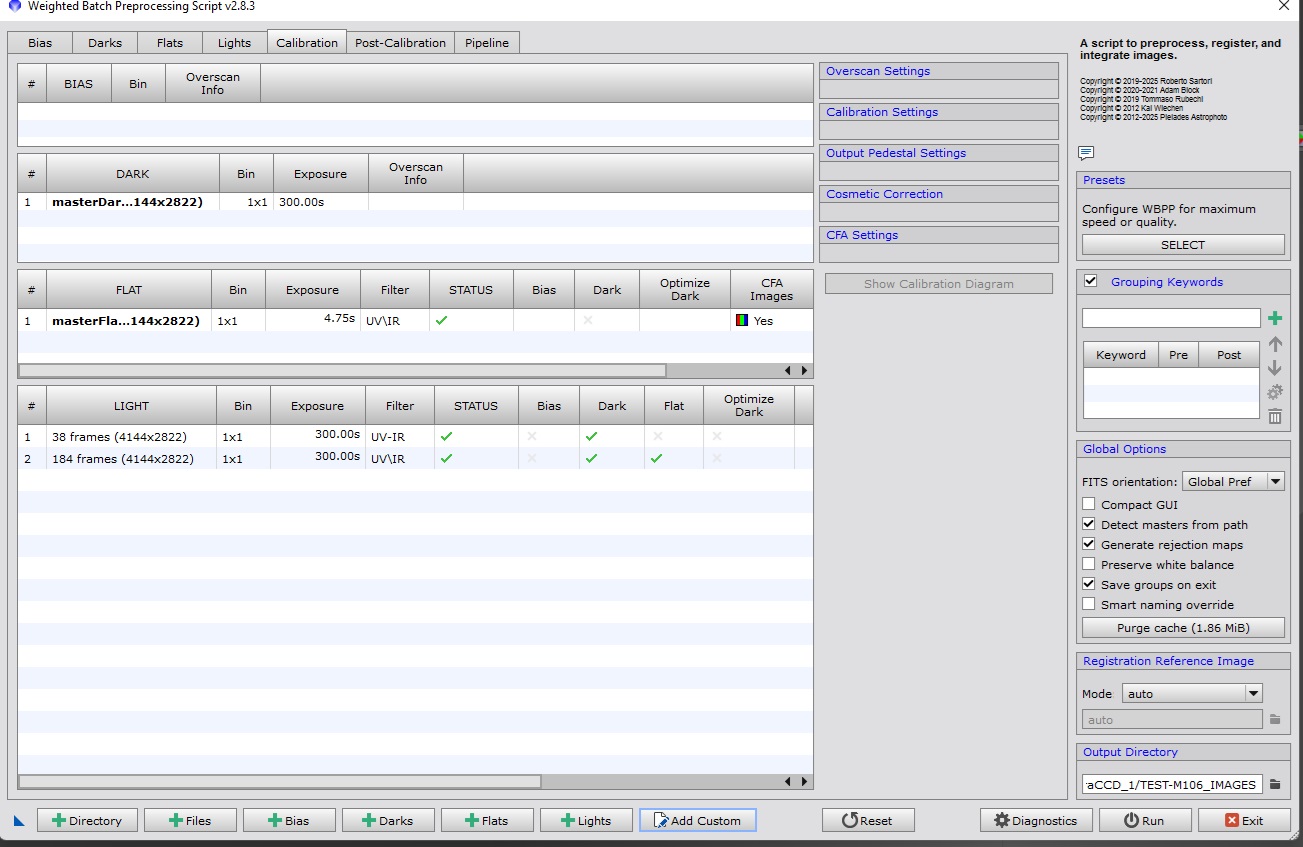
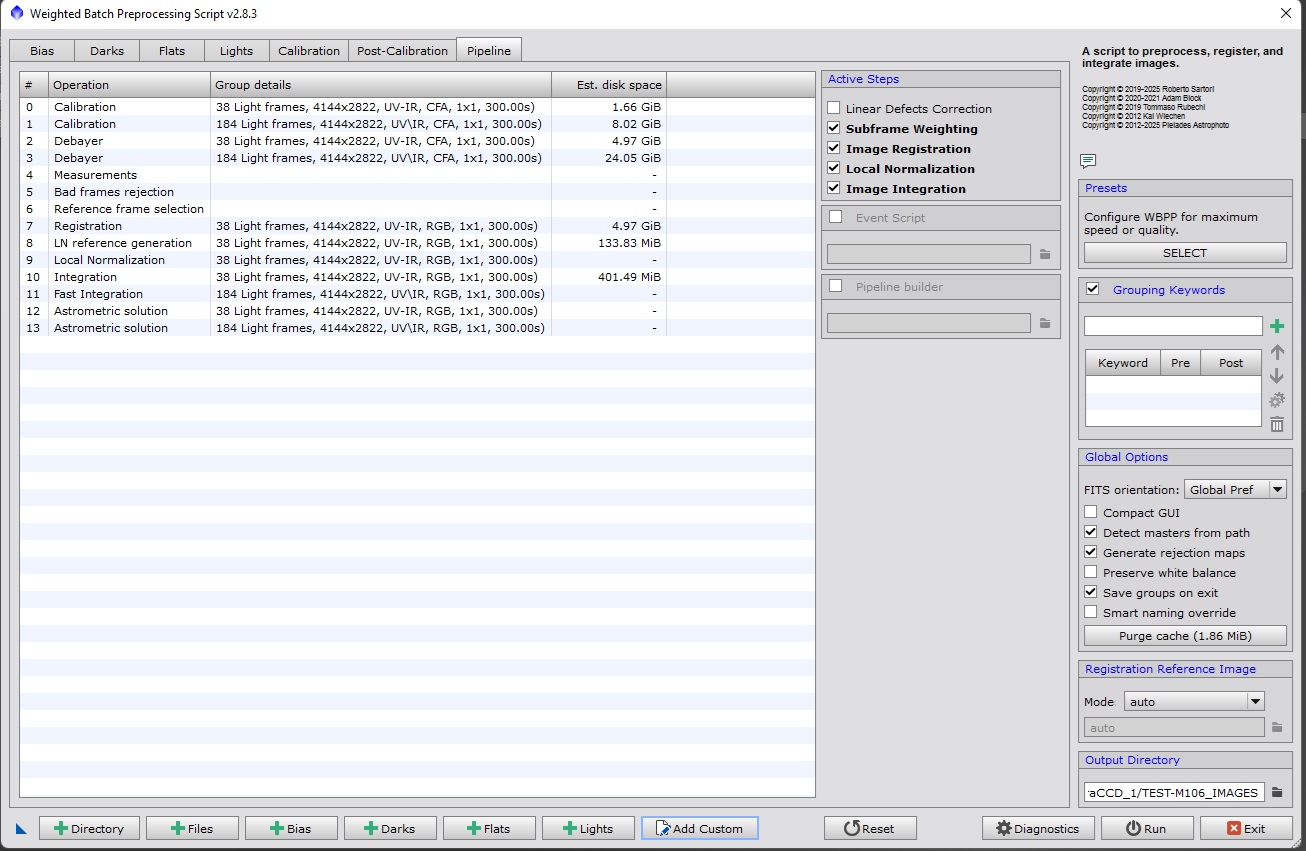
Hey Mike. I stack different filters together and have not had this problem. Any chance you can send a screenshot of your WBPP for the lights page as well as the post calibration and the pipeline pages. It should be a simple fix.
Helpful Concise
Azhar Rana avatar
Found a solution for you. 

In the filter name category of the Custom Window, just put the exact same filter name that the one you see in WBPP with your subs taken with the filter wheel. This way WBPP will group all of them together


so at the bottom of WBPP next to the +lights button there is an add custom button. In that you can add different types of files and change the naming convention for the filters and add them all in with the same name configuration and that should solve it
Mike H - Sky View Observatory avatar
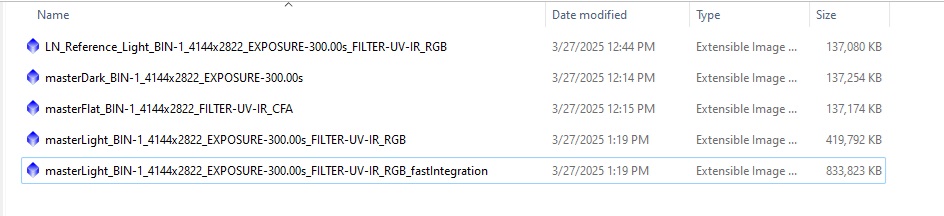
This is what I did in WBPP. It still looks like it processed them separately. Or, am I wrong about the two bottom files. Also, I didn't know about which filter to list in the custom add button, the L Pro or the UV-IR. 

Mike


Mike H - Sky View Observatory avatar
I won't be imaging the same object with these two filters anymore. I realize it's not a good idea. I got scolded on the PixInsight forum for even asking how to do this. I made a mistake. I just didn't want to discard the L Pro images i already had. But I will if I have to. 


Mike
Azhar Rana avatar
Try this. Delete all your light files from WBPP. Try re adding all the light files - from both sets of filters - into the custom list at the same time. Label all of with any name for the filter - it doesn’t matter. That should give you lights all under one filter and should give you one image.
Azhar Rana avatar
Oh and another thing I’m just noticed - which actually may be even easier!!

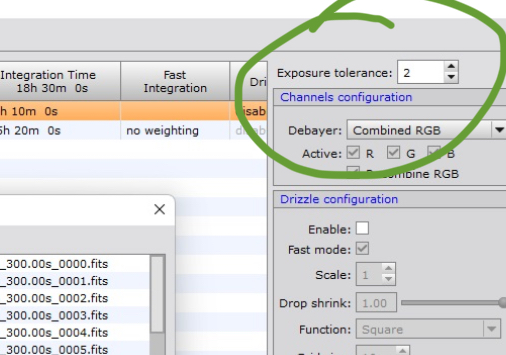
ont he post calibration tab there’s an exposure tolerance. Increase that to 300 - which is what your exposures are. See if that gives you one output image
Michael Sleeman avatar
Mike H - Sky View Observatory:
This is what I did in WBPP. It still looks like it processed them separately. Or, am I wrong about the two bottom files. Also, I didn't know about which filter to list in the custom add button, the L Pro or the UV-IR. 

Mike


The filter name does not match exactly.
It needs to match exactly.

Changing the exposure tolerance wont help here, because the subs all have the same exposure. The reason why they are not processed together is only the different filter name.
Helpful Concise
Brian Fowler avatar
The filter names are written in the fits header.  You can edit this one at a time or use the batchFITSkKeywordEdit script. Then it will stack them all together.
John Stone avatar
You can also just run the two masters through image integration after WBPP generates them (stack of stacks) and by using ImageIntegration it will use the noise estimator you chose to weigh each image properly

click here to see the PixInsight tutorial doing this very thing:  
https://youtu.be/Q2PLUI2hBvQ?si=dFhAR4d3QGDKqlPH&t=72

Just add each file twice to get past the ImageIntegration 3 file minimum.
Helpful
Tony Gondola avatar
Mike H - Sky View Observatory:
I won't be imaging the same object with these two filters anymore. I realize it's not a good idea. I got scolded on the PixInsight forum for even asking how to do this. I made a mistake. I just didn't want to discard the L Pro images i already had. But I will if I have to. 


Mike

Since this is a one off case, why not just stack your subs in Siril? I know that's kind of doing an end run around the PI learning process but it will let you get on with things and decide for yourself if the combination was the wrong thing to do.
Concise
Related discussions
협대역 + 가시광선 FITS 프레임 합성 방법?
엊그제 청도군에서 L-eXtreme을 이용하여 협대역 촬영을 진행했습니다. 그러나 협대역 단독으로 스택을 하기엔 프레임 수도 적고, 디테일도 안 살아나서 다른 관측지에서 UV-IR cut으로 몇시간 더 촬영하고 합성하려 하는데요. 현재 시릴을 사용하고 있는데 그냥 두 종류 다 lights 폴더에 집어넣고 OSC Processing으로 돌려버려도 문제가 없을까요? 아니면 다른 스크립트로 진행해야 할까요? 모노캠은 채널별로 구분해서 스택하는거로 알...
Stacking L-series filtered images with UV/IR cut filtered images together.
Nov 13, 2023