What is causing these weird banding patterns in my luminance image?

11 replies281 views
SolarVortex3562 avatar
Hi, I was stretching an image of the bodes galaxy that I took with my Luminance filter and saw these bands in the image. Does anyone know what these could be? (I'm not talking about the IFN to clarify)
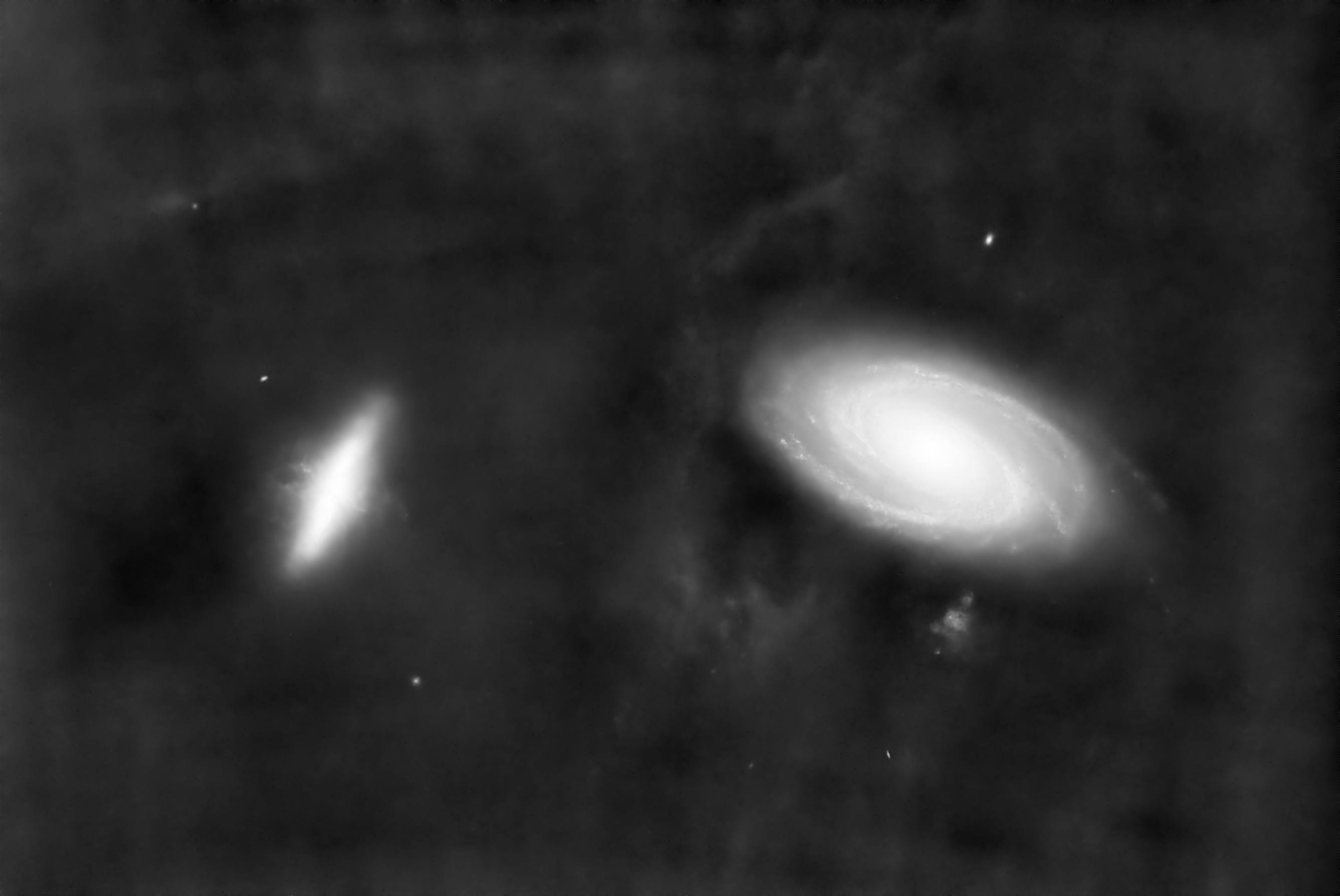
Well written Engaging
andrea tasselli avatar
What have you used to remove the stars?
SolarVortex3562 avatar
andrea tasselli:
What have you used to remove the stars?

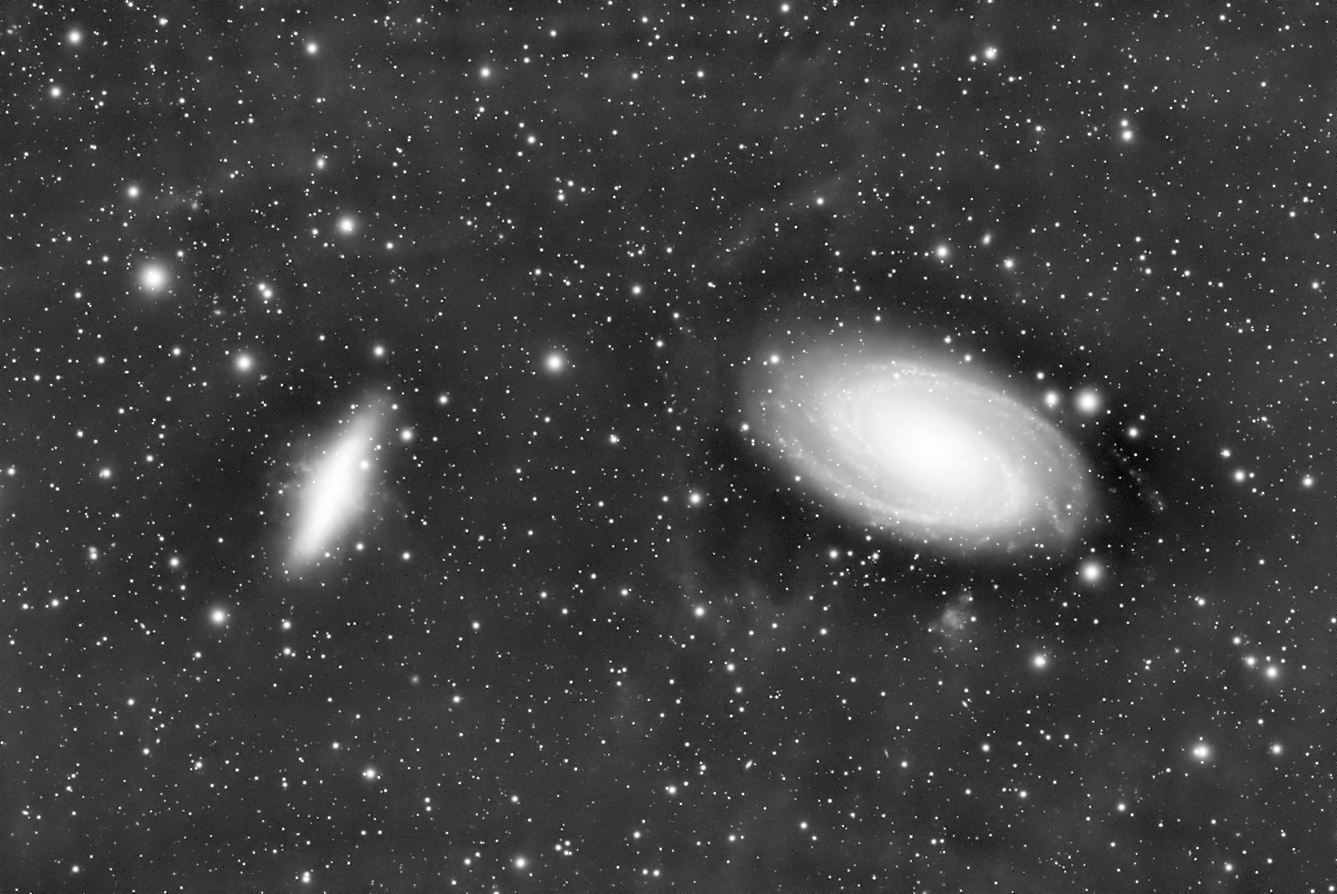
I used StarXTerminator to make the bands more visible but the bands were visible even in my image with stars. Here is an example:
andrea tasselli avatar
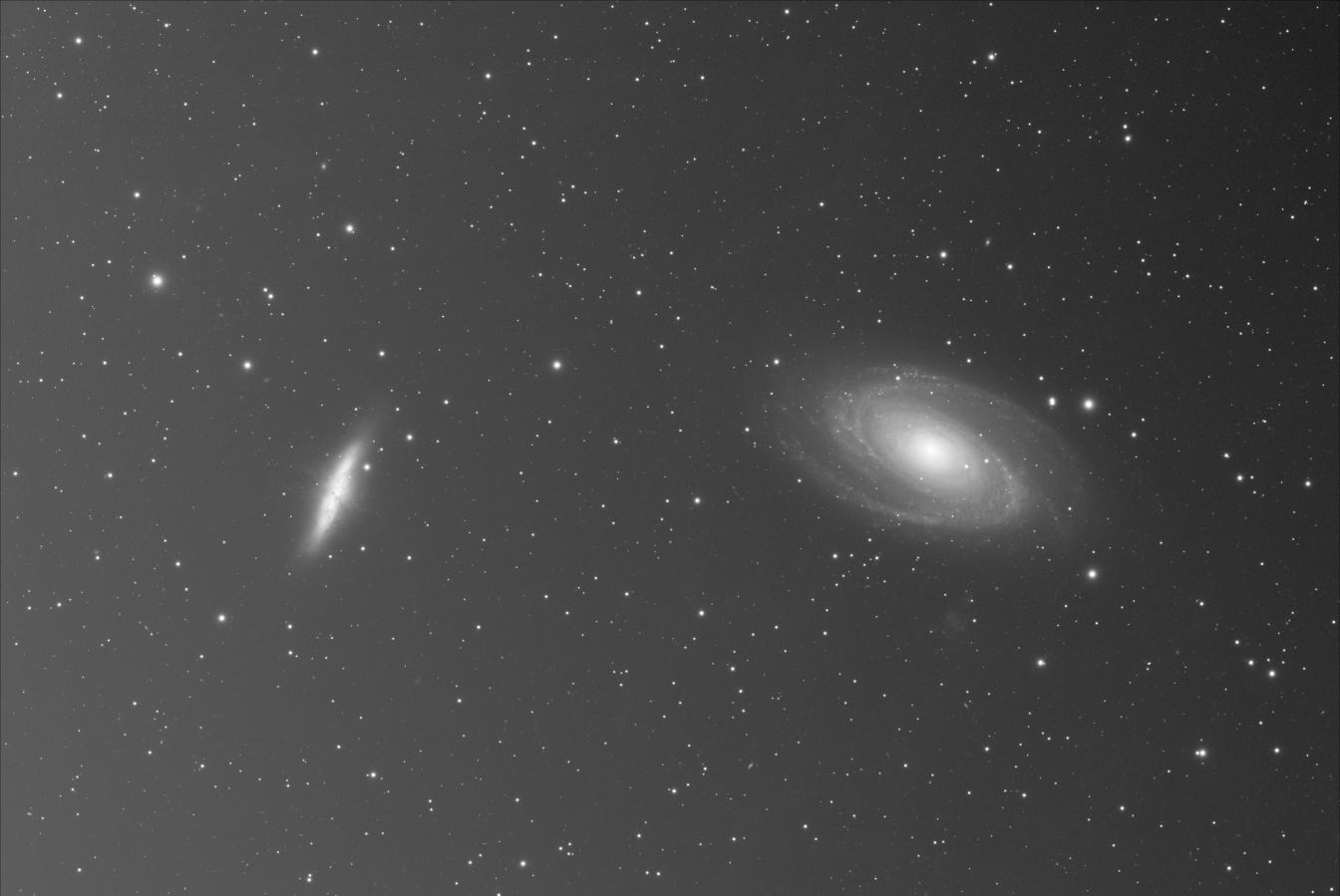
So, how does the unprocessed stacked master light look like? Just use the auto-stretch.
Oskari Nikkinen avatar
Your gradient removal process could have gone wrong, so its hard to say.

I say that because you have this unnaturally dark region around bright areas of the image, which is indicative of poor gradient correction.
Helpful Insightful Concise
SolarVortex3562 avatar
andrea tasselli:
So, how does the unprocessed stacked master light look like? Just use the auto-stretch.

SolarVortex3562 avatar
Oskari Nikkinen:
Your gradient removal process could have gone wrong, so its hard to say.

I say that because you have this unnaturally dark region around bright areas of the image, which is indicative of poor gradient correction.

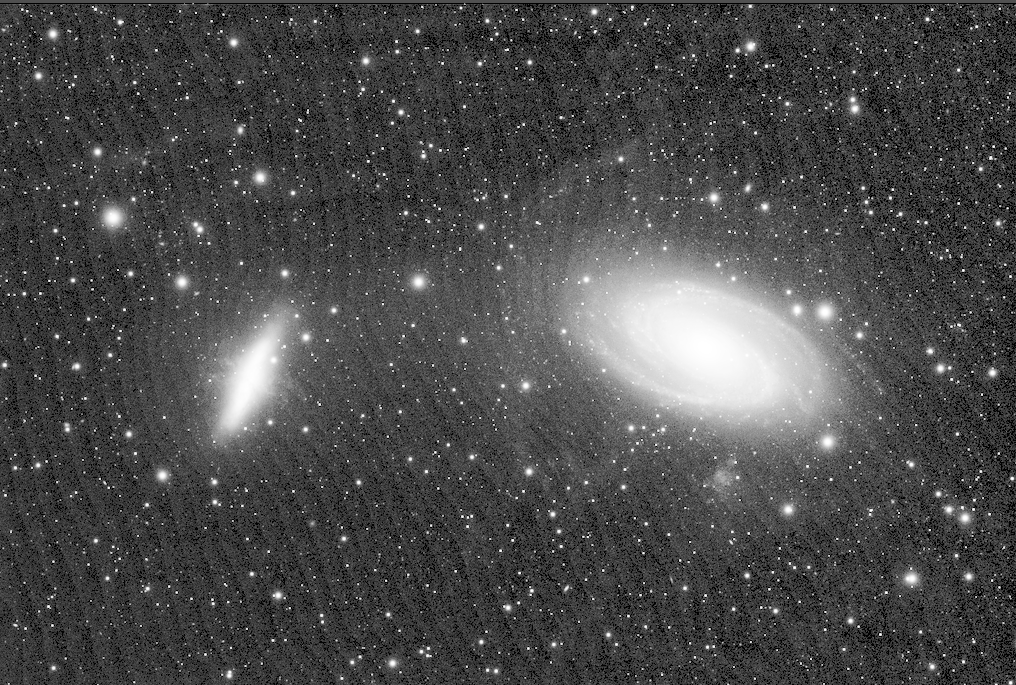
That could be a possibility.
Tony Gondola avatar
That last image proves for me that it's a problem with background extraction. The first image is also over- stretched which is making the BX problem look worse.
andrea tasselli avatar
It's the BG extraction/correction that is the issue. I did it on the preview and nothing like those bands occur (ignore the vertical iso-line, they are an artifact due to the 8-bit pic).
Kaptas Attila avatar
i would say you have to try to crop your image a bit more it could helping. most cases if gradient removal goes wrong is because of some stacking pattern on the outer frame. try to crop from all side and do it again with graxpert or what ever you are using
SolarVortex3562 avatar
andrea tasselli:
It's the BG extraction/correction that is the issue. I did it on the preview and nothing like those bands occur (ignore the vertical iso-line, they are an artifact due to the 8-bit pic).

I guess I just got to get better a doing a Dynamic background extraction what setting did you use for that image?
SolarVortex3562 avatar
andrea tasselli:
It's the BG extraction/correction that is the issue. I did it on the preview and nothing like those bands occur (ignore the vertical iso-line, they are an artifact due to the 8-bit pic).

I guess I just got to get better a doing a Dynamic background extraction what setting did you use for that image?

I want to say for the record that I restacked my data this time changing kappa sigma clipping to average and it got rid of the issue.
Related discussions
Green banding issue in WBPP when using flats
Does anyone know what might be causing this green banding? I’ve never encountered this issue before, and it disappears when I exclude flats from WBPP. I have inspected my flats, and they seem normal. I’ve yet to try retaking the flats or do more test...
Green banding issue likely relevant to luminance filter banding problem.
Feb 7, 2026
Streaky artefact on Andromeda
📷 image.pngDoes anyone know what is producing this streaky pattern on this image of Andromeda. It is more prominent on this half of the galaxy. This was stacked using WBPP script in IP. This image was stretched a bit more brutally to show the pattern...
Streaky artifacts on galaxy similar to banding issue described.
Dec 19, 2025
Help - Vertical bands - Flats is the culprit - Can someone help me understand what's happening ?
Hi, Recently I am noticing some weird band like structures in my images. My setup - QHY600PH-M + Takahashi Epsilon 180ED + Astronomik Filters. I Captured RGB images in QHY 2CMS-1 Readout mode at 56 gain for broadband images. (mistake) After noticing ...
Vertical bands in images; flats-related banding troubleshooting directly applicable.
Nov 23, 2025