
Hello everyone,I would like to ask for your help in refining my deep-sky processing methods.
I have been processing my images with PixInsight for about two and a half years, and since then, I have tried to improve my workflow with each processed image. However, I am convinced that I can still significantly enhance it.
To allow you to give me improvement points, I am sharing below a typical workflow performed on Sh2-235, taken with an SW 150/750, a ZWO 2600MC, and an L-Extrem filter with 17 hours and 30 minutes of acquisition.
Workflow:• Stacked Image:
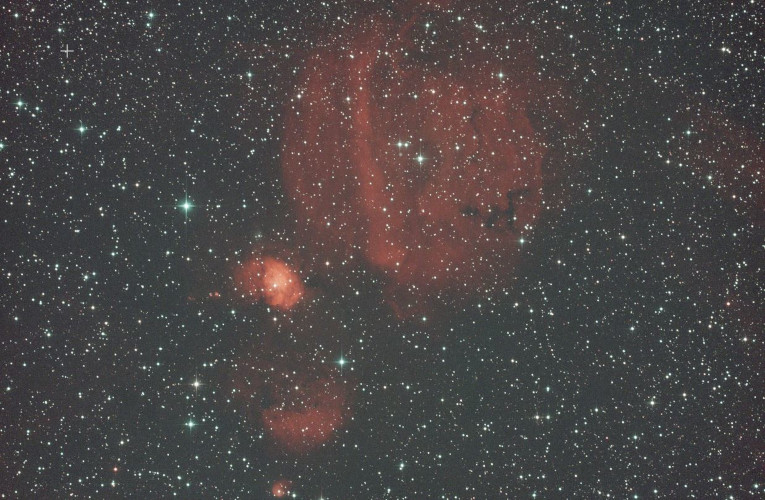
• Calibrated Image:
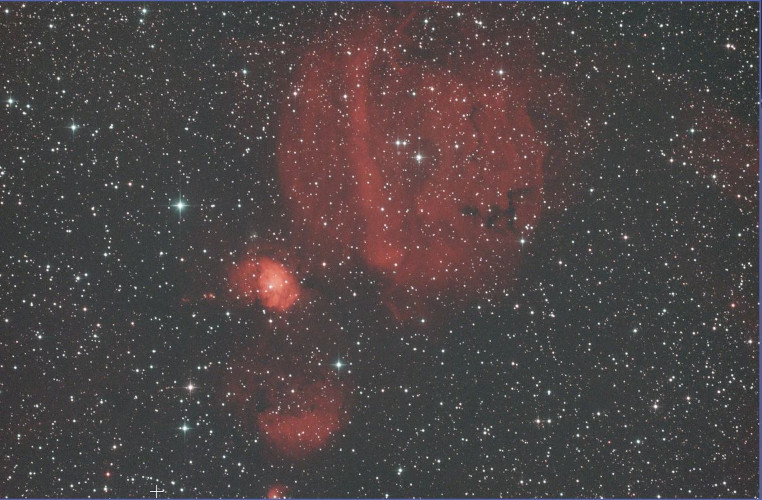
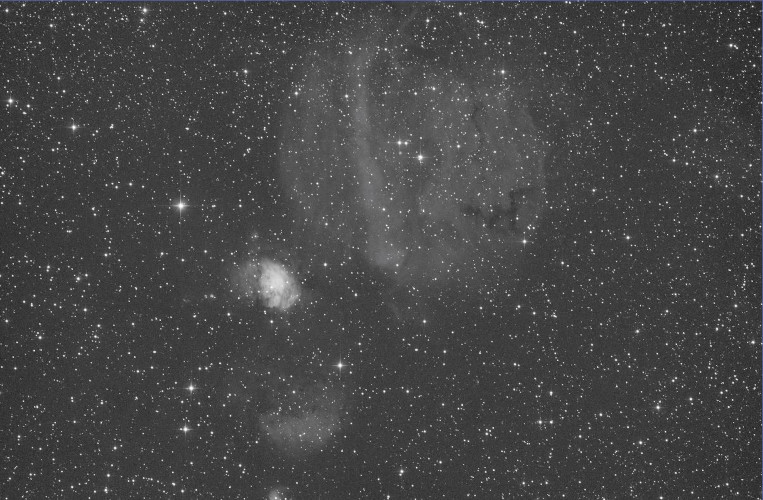
• Luminance Image:
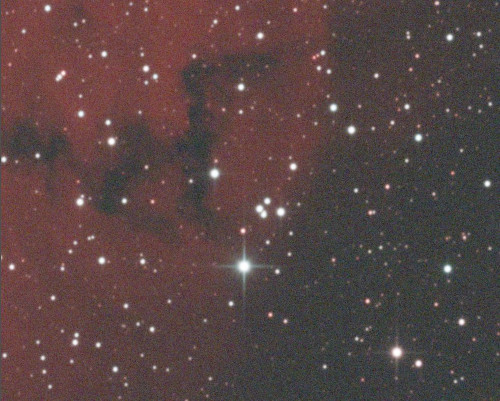
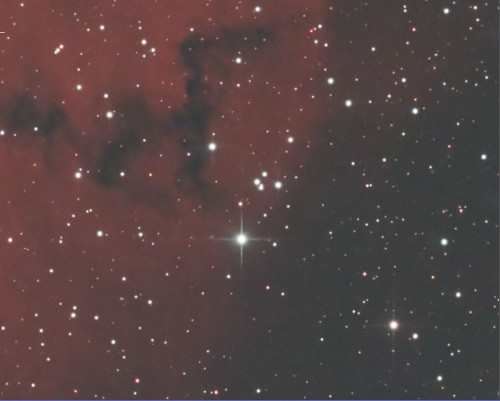
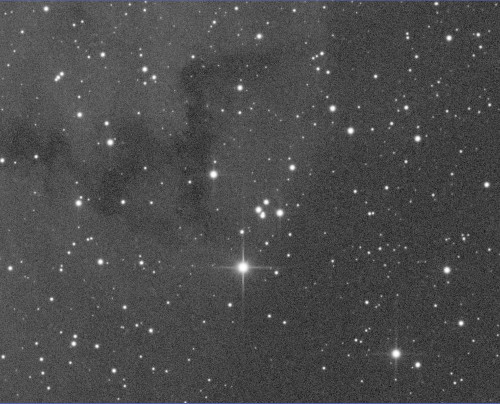
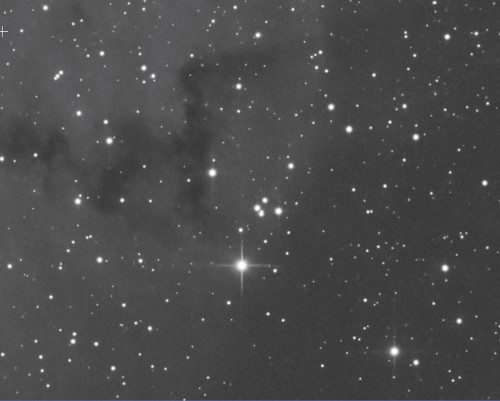
• Preview before/after BlurXterminator and NoiseXterminator on RGB and Luminance:
• Preview of the RGB Stretched and Denoised Image:
• Ha and Oiii Masks:
• RGB Image after the Curves:
• Preview of the Luminance Image Stretched and Denoised:
• Preview of the Object Mask:
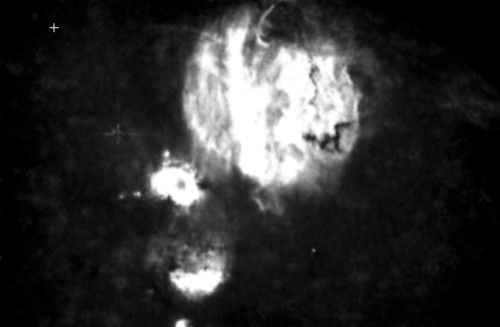
• Preview of the Luminance Image before and after detail enhancement processes:
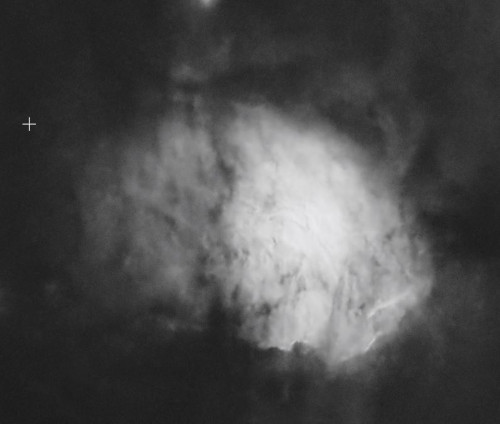
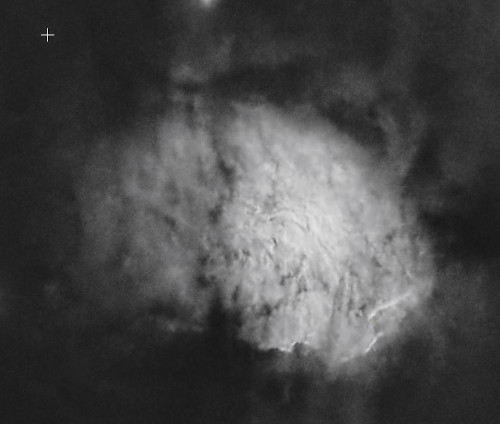
• Luminance Image:
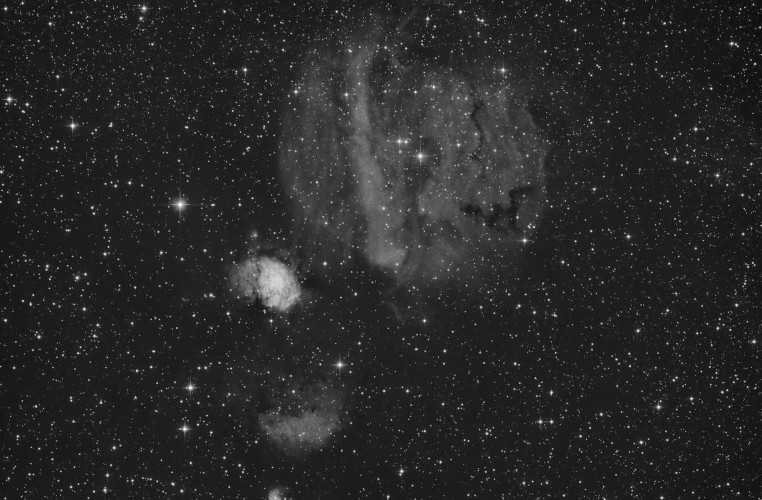
• Final Image (Full version available in my gallery):
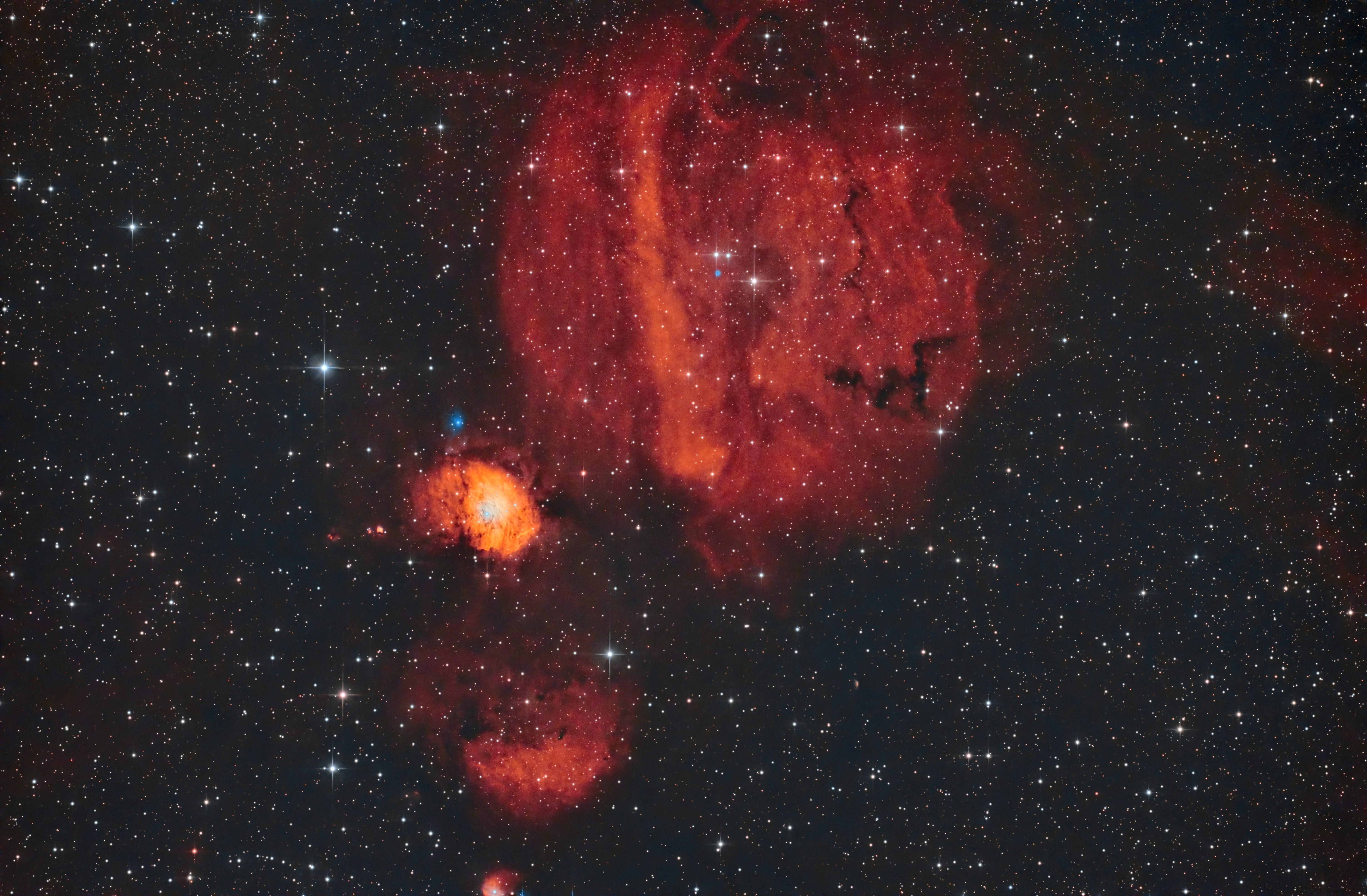
I greatly appreciate the attention you will give to this post and hope you will be able to provide me with advice to improve my workflow.Thank you in advance, and I wish you all Clear Skies!!!
Fabien ROSIER
I have been processing my images with PixInsight for about two and a half years, and since then, I have tried to improve my workflow with each processed image. However, I am convinced that I can still significantly enhance it.
To allow you to give me improvement points, I am sharing below a typical workflow performed on Sh2-235, taken with an SW 150/750, a ZWO 2600MC, and an L-Extrem filter with 17 hours and 30 minutes of acquisition.
Workflow:• Stacked Image:
- DynamicCrop: To remove stacking artifacts
- ImageSolver
- SpectrophotometricFluxCalibration (for MGC)
- MultiscaleGradientCorrection (but I often also use ADBE or GraXpert)
- SpectrophotometricColorCalibration
• Calibrated Image:
- Extraction of the Luminance
• Luminance Image:
- RGB -> BlurXterminator: A bit of Sharpen Stars, no Sharpen Nonstellar.
- Lum -> BlurXterminator: A bit of Sharpen Stars, 0.8 Sharpen Nonstellar.
- StarnetV2: To create a Star_Mask (stretched with StarStretch from SetiAstro, boosted with HistogramTransformation, and a bit of convolution).
- RGB -> Apply StarMask: Because I noticed that when you run NoiseXterminator on a linear RGB image, it generates chromatic aberrations on the brightest stars.
- RGB -> NoiseXterminator: Denoise 0.85
- Lum -> NoiseXterminator: Denoise 0.75
• Preview before/after BlurXterminator and NoiseXterminator on RGB and Luminance:
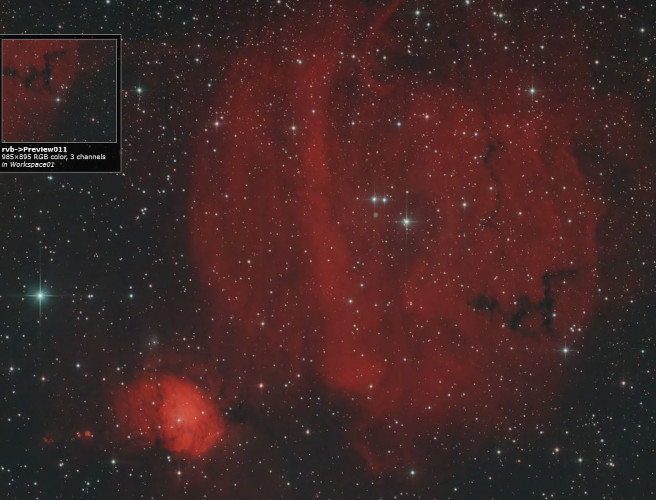
- RGB -> MaskedStretch
- RGB -> NoiseXterminator: Denoise 0.6
• Preview of the RGB Stretched and Denoised Image:
- RGB -> StarnetV2
- RGB -> BlemishBlaster from SetiAstro: To remove artifacts left by Starnet
- RGB -> DBXtract
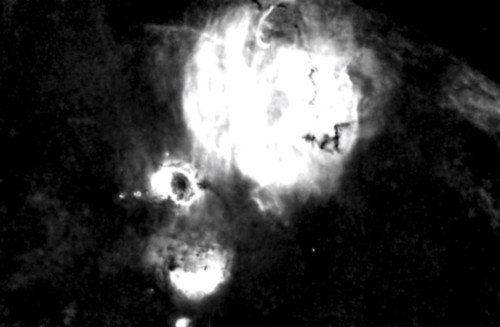
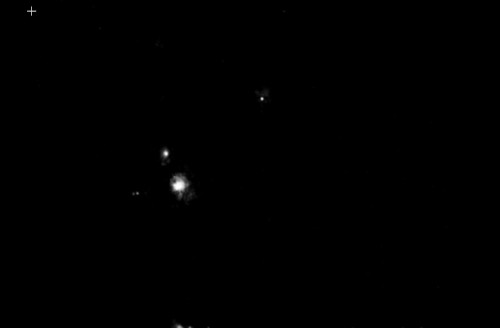
- Ha -> RangeSelection: Creation of the Ha Mask.
- Oiii -> RangeSelection: Creation of the Oiii Mask.
• Ha and Oiii Masks:
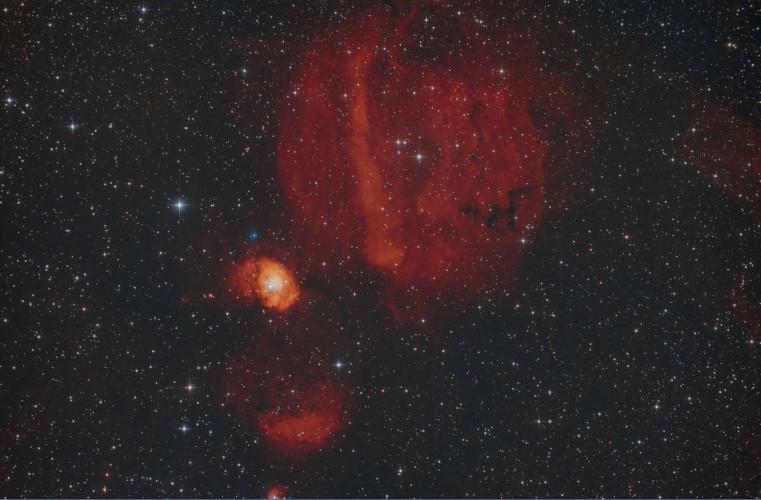
- Apply the Oiii mask on RGB Starless
- RGB Starless -> CurvesTransformation: To boost the blue.
- Apply the Ha mask on RGB Starless
- RGB Starless -> CurvesTransformation: To boost the red.
- Ha -> NBColourMapper: Creation of a yellow layer from Ha.
- ImageBlend: Mix of RGB and Ha yellow layer via screen
- RGB -> PixelMath: Reintegrating the stars
- RGB -> SCNR
• RGB Image after the Curves:
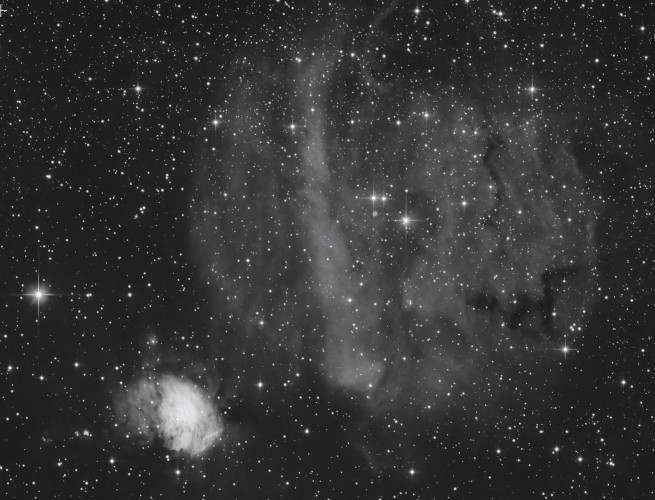
- Lum -> HistogramTransformation: First light stretch and blackpoint adjustment.
- Lum -> GeneralizedHyperblicStretch: Final boosted stretch.
- Lum -> NoiseXterminator: Denoise 0.40
• Preview of the Luminance Image Stretched and Denoised:
- Lum -> StarNetV2
- Lum Starless -> RangeSelection: Creation of the object mask.
• Preview of the Object Mask:
- Lum -> Script CreateHDRImage: Creation of an HDR image with the object mask applied.
- Lum -> MultiScaleMedianTransform: Boost layers 1, 2, and 3 by 0.01; 0.1 & 0.035 with the object mask applied.
- Lum -> LocalHistogramEqualization: Kernel Radius: 70; Contrast limit: 2.0; Amount: 0.140 with the object mask applied.
- Lum -> DarkStructureEnhance: Amount 0.3
• Preview of the Luminance Image before and after detail enhancement processes:
- Lum -> PixelMath: Reintegrating the stars
• Luminance Image:
- RGB -> LRGBCombination: Integration of the luminance layer into the RGB image.
- RGB -> CurvesTransformation: Application of an "S-Curve."
- RGB -> Run the StarReduction script: Lightness Method; Soft mode; 2 iterations.
• Final Image (Full version available in my gallery):
I greatly appreciate the attention you will give to this post and hope you will be able to provide me with advice to improve my workflow.Thank you in advance, and I wish you all Clear Skies!!!
Fabien ROSIER
