
Hi.
I'm having problems getting SetiAstroCosmicClarity working in PixInsight on Windows 10.
I've used the wrench to point to the script folder in PixInsight.
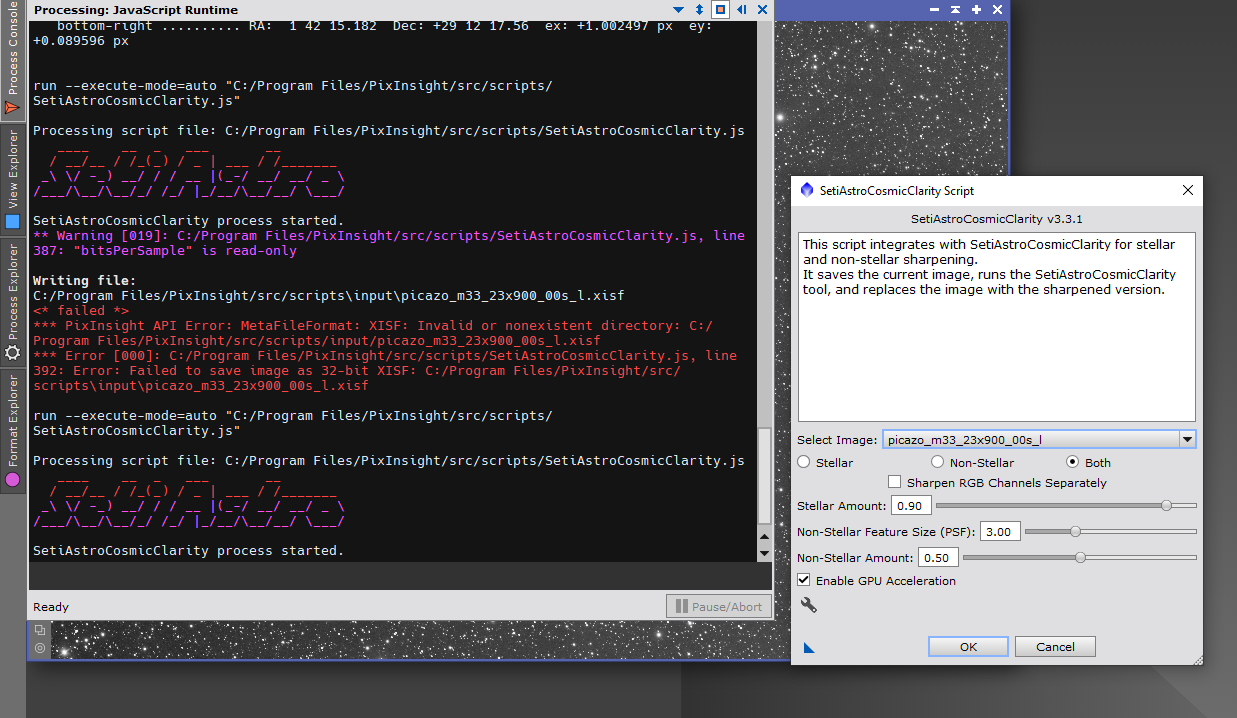
As you can see I get an error like it can find the script / directory. But as far as I can see the file is there?
Seems maybe because the script can't write in the folder because of permission issues.
I'm having problems getting SetiAstroCosmicClarity working in PixInsight on Windows 10.
I've used the wrench to point to the script folder in PixInsight.
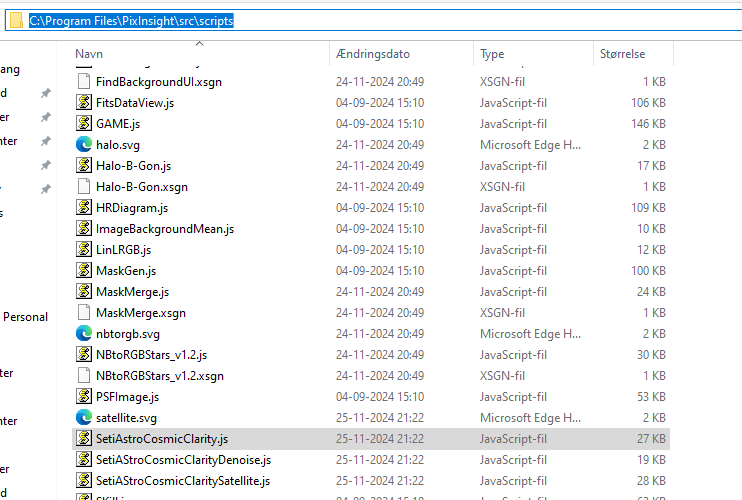
As you can see I get an error like it can find the script / directory. But as far as I can see the file is there?
Seems maybe because the script can't write in the folder because of permission issues.

