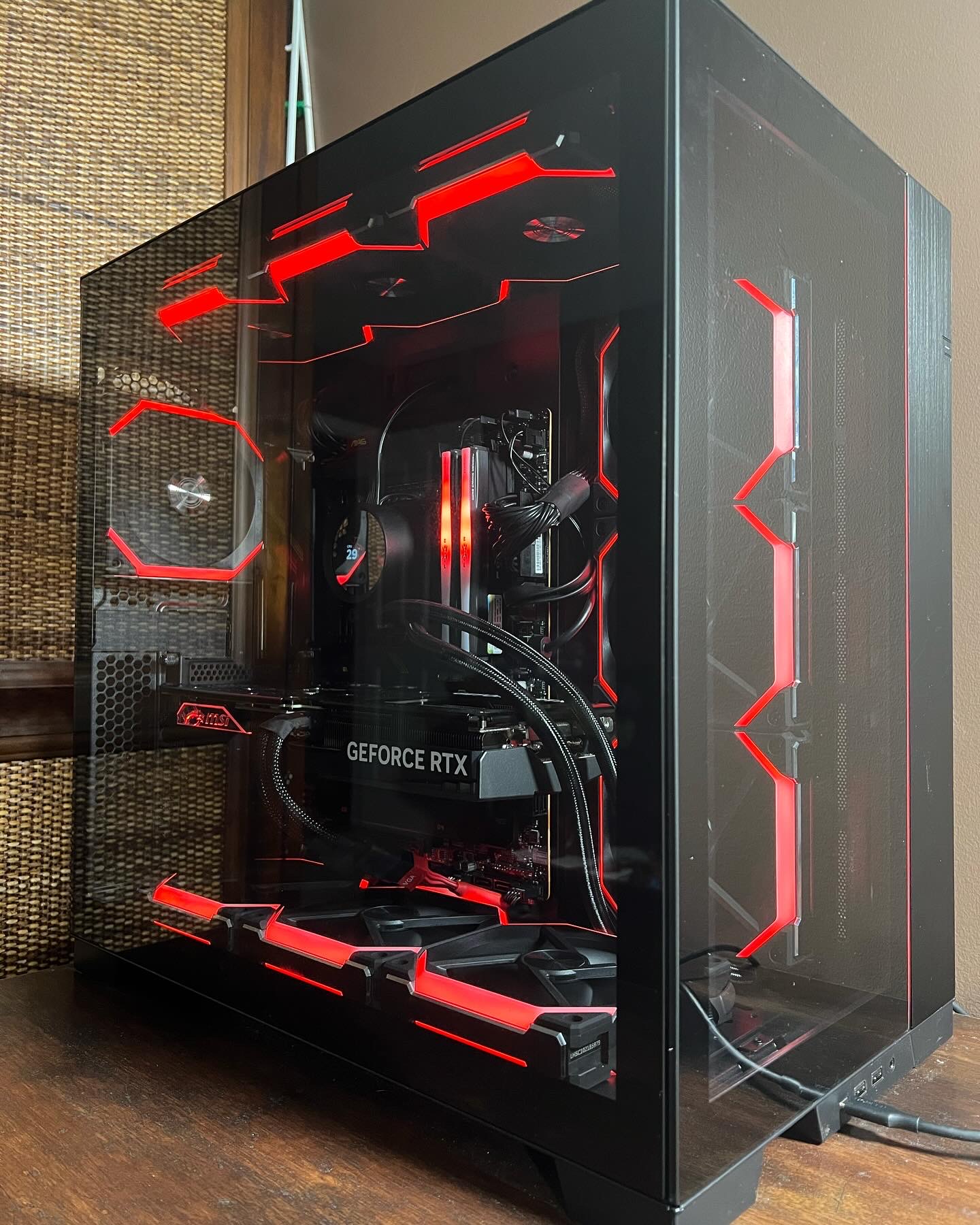
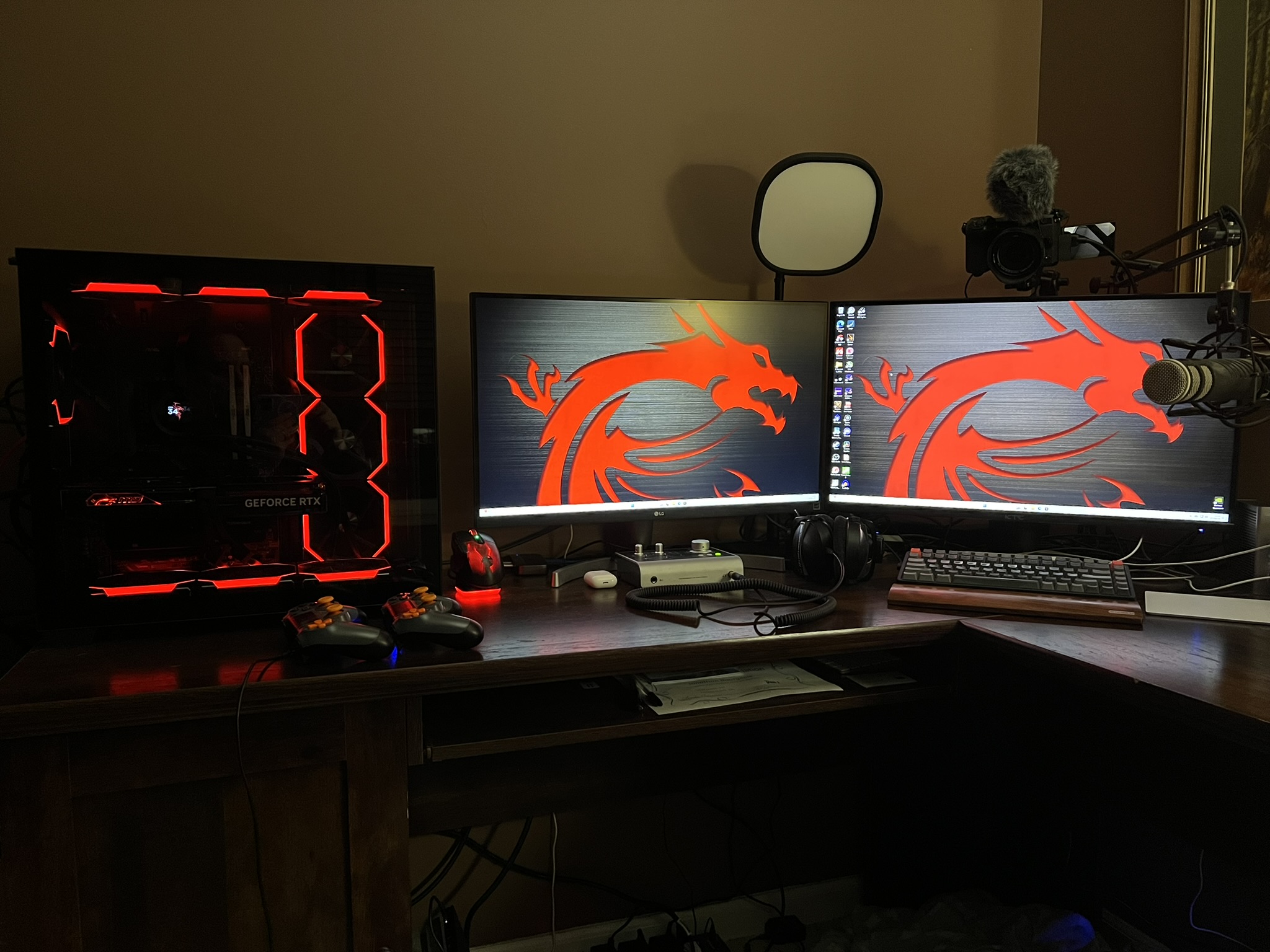
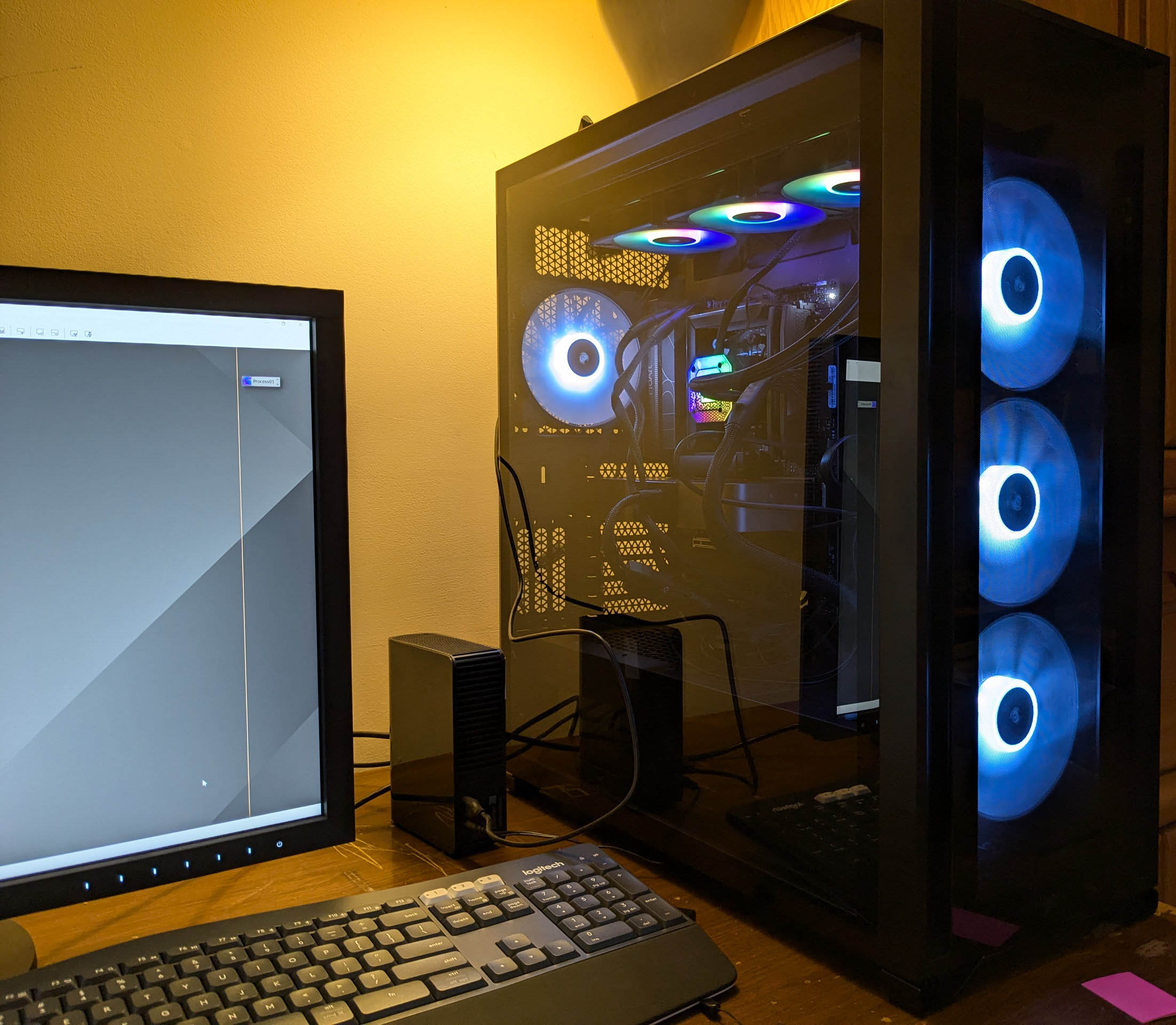
Dan, thanks for posting this. I have a similar question: What would be a good configuration for a new desktop for Pixinsight processing?
I'm currently using a Lenovo Legion 5 laptop that is several years old (Intel i7, 16GB Ram, and NVIDIA GTX1660Ti), and for the most part, it works very well with Pixinsight. However, BX, SX and NX have been very slow. Sometimes, it would take over 30 minutes to run SX on a large image.
However, that problem was recently solved by installing the software to run these applications using the GPU of the NVIDIA card. Now SX is over 20x faster. BX and NX are also much faster, to the point where running them takes a similar amount of time as other Pixinsight processes and scripts. The method I used follows the Russ Croman post on the Pixinsight forum, which makes the whole process no more difficult than installing other software additions using "resource updates." Here is the link:
https://pixinsight.com/forum/index.php?threads/experimental-tensorflow-gpu-acceleration-repository.22325/I got this from Adam Block. Of course, there can be complications, but I have yet to see any. I did backup the new Tensorflow.dll, ~500K) in case a PI update replaces it with the normal Tensorflow file (~200K).
I'm still interested in getting a new and faster computer for Pixinsight and other software, such as Flight Simulator. This Lenovo Legion 5 desktop looks like it would fill the bill, and it is less than $2000. I'd like more RAM than 32MB, but hopefully, that can be an option add-on.
https://www.lenovo.com/us/en/p/desktops/legion-desktops/legion-t-series-towers/legion-tower-5-gen-8-amd/90ux0013us?orgRef=https%253A%252F%252Fwww.google.com%252FHow much was the FalconNW quote?
George


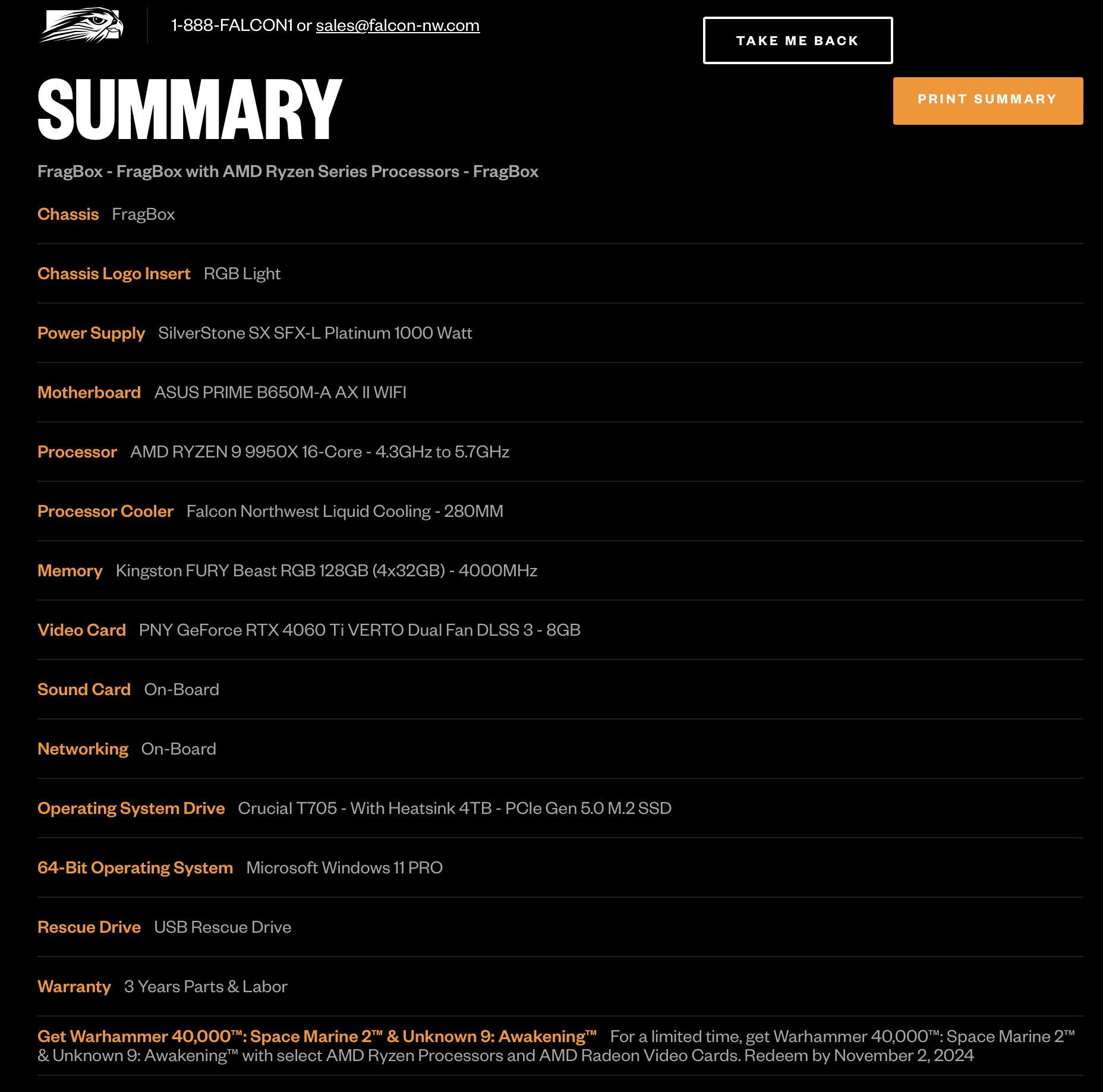


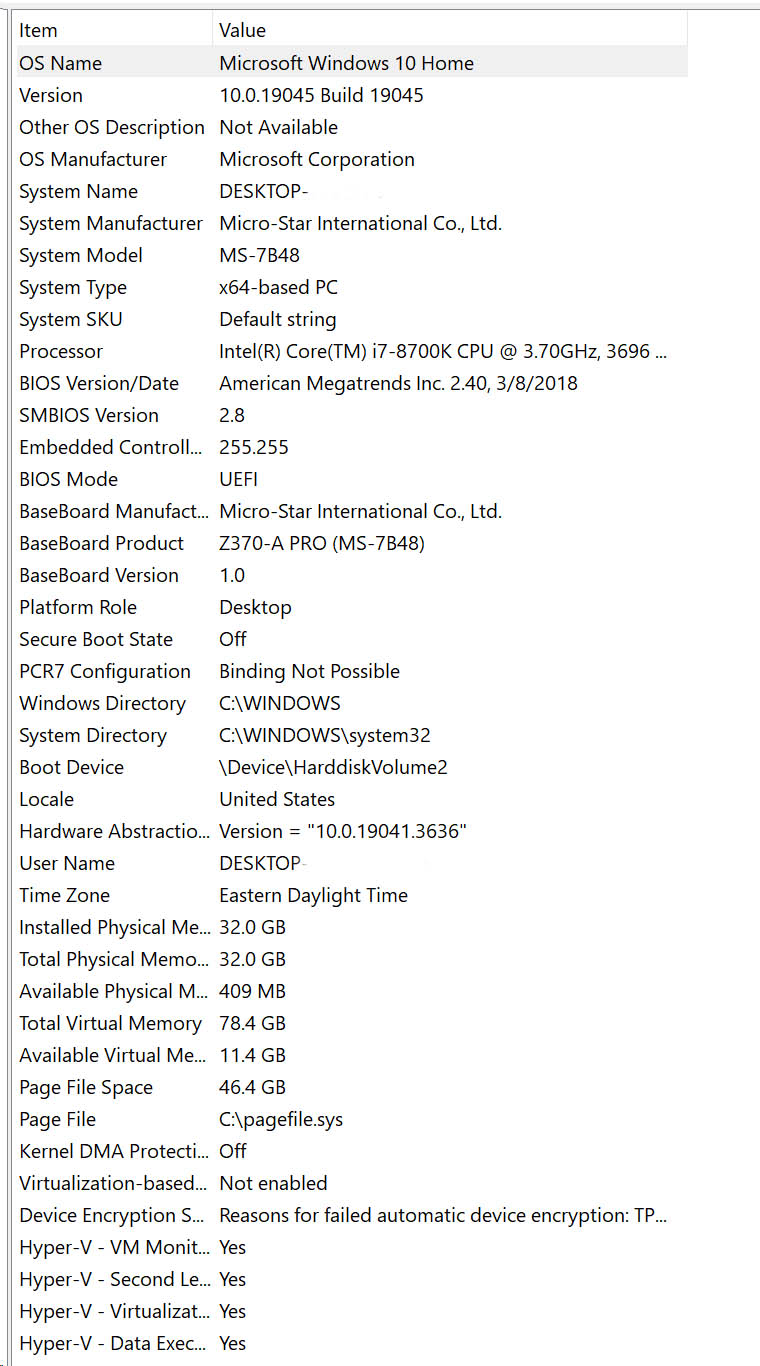


 . Pretty significant savings sourcing your own components and building it yourself.