Hi all,
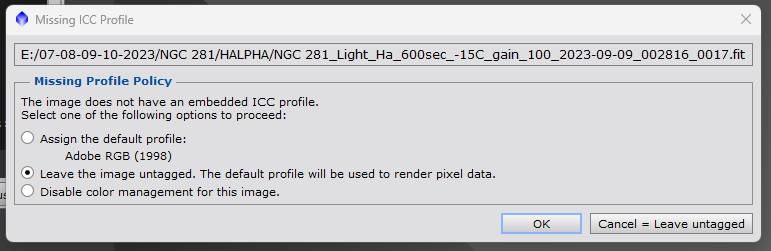
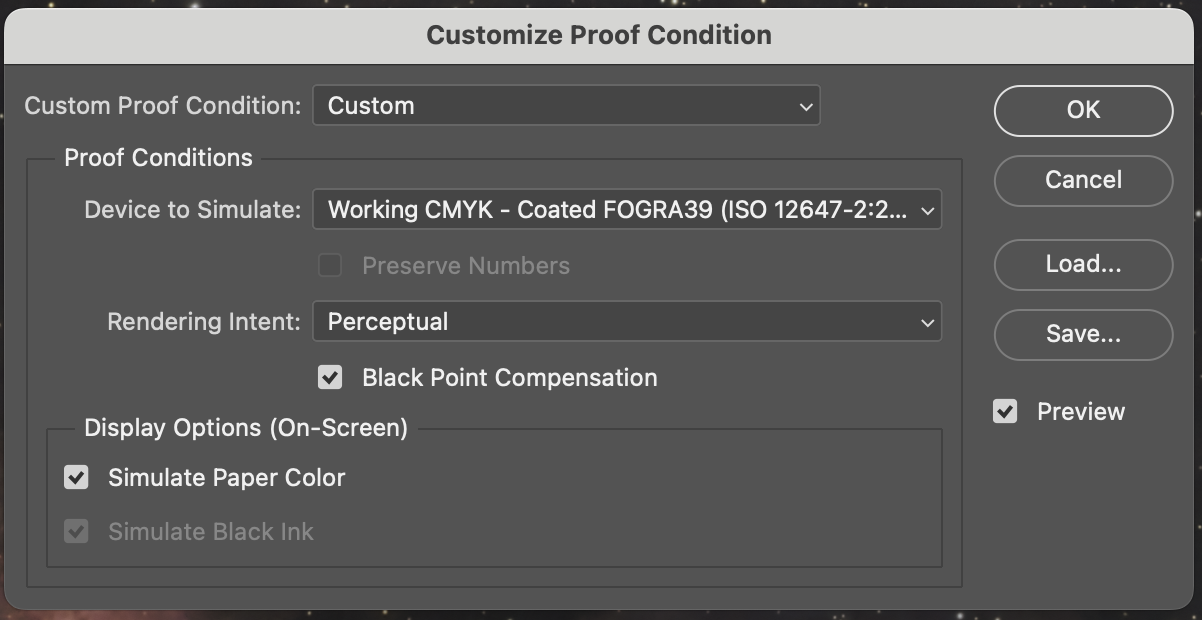
I have been thinking about starting to print my astrophotography images in the near future, but I am complexed as to how to best get Adobe RGB in PixInsight.
I know how to change the working colour space in the PixInsight settings, but how would I be able to define the colour space before stacking in WBPP? If I changed the settings to Adobe RGB, would the images then come out as Adobe RGB? If that does the trick, would I have to go back and re-run my data through WBPP, or would I be able to change the colour spaces of the stacked files?
According to my research if you shoot RAW, it doesn't matter what colour space you choose in-camera but it does matter if you are shooting JPG. I am not too sure how this works with dedicated astrophotography cameras though, but I assume that this also applies for them too.
Zak
I have been thinking about starting to print my astrophotography images in the near future, but I am complexed as to how to best get Adobe RGB in PixInsight.
I know how to change the working colour space in the PixInsight settings, but how would I be able to define the colour space before stacking in WBPP? If I changed the settings to Adobe RGB, would the images then come out as Adobe RGB? If that does the trick, would I have to go back and re-run my data through WBPP, or would I be able to change the colour spaces of the stacked files?
According to my research if you shoot RAW, it doesn't matter what colour space you choose in-camera but it does matter if you are shooting JPG. I am not too sure how this works with dedicated astrophotography cameras though, but I assume that this also applies for them too.
Zak