MeridianSkyAstronomy avatar
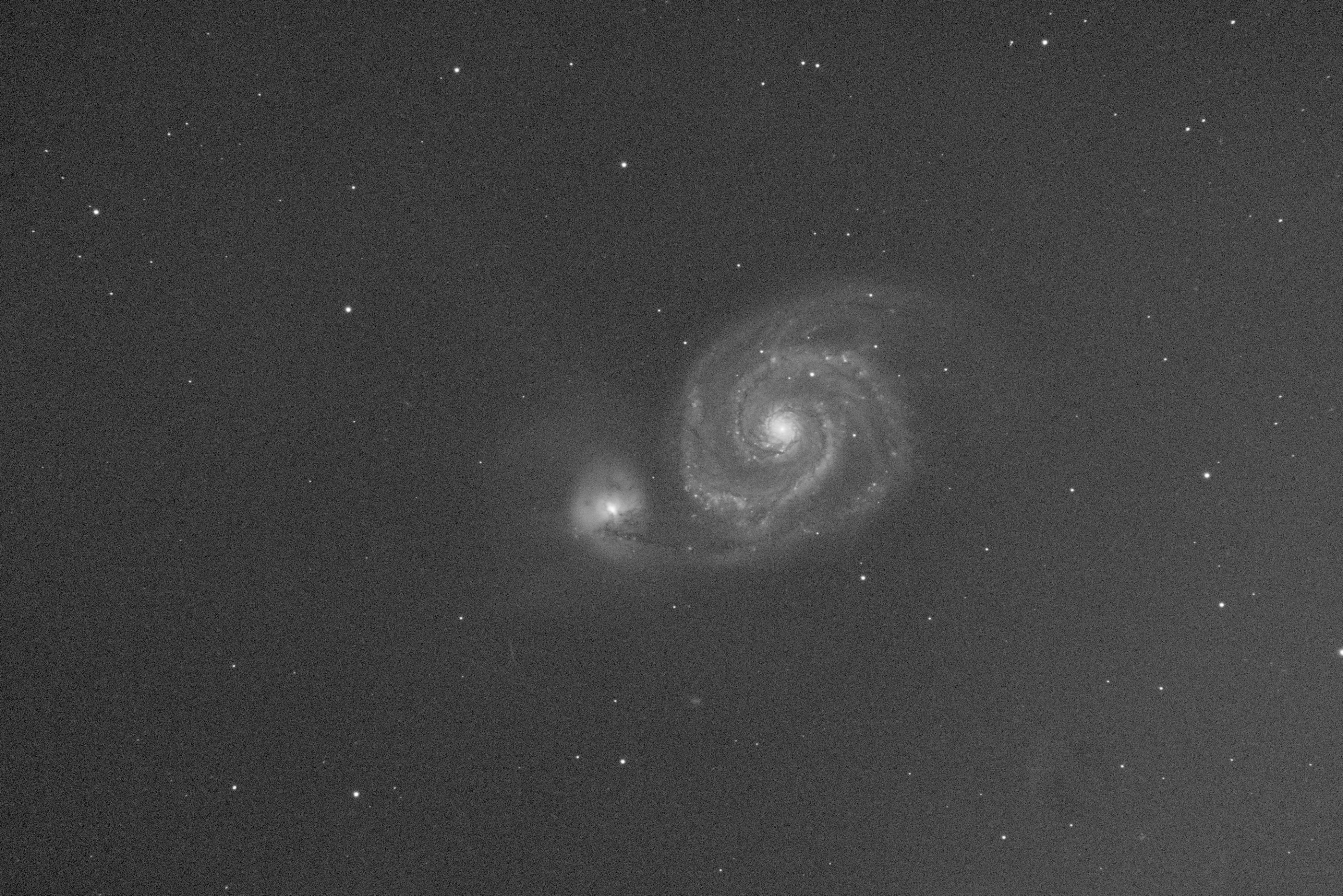
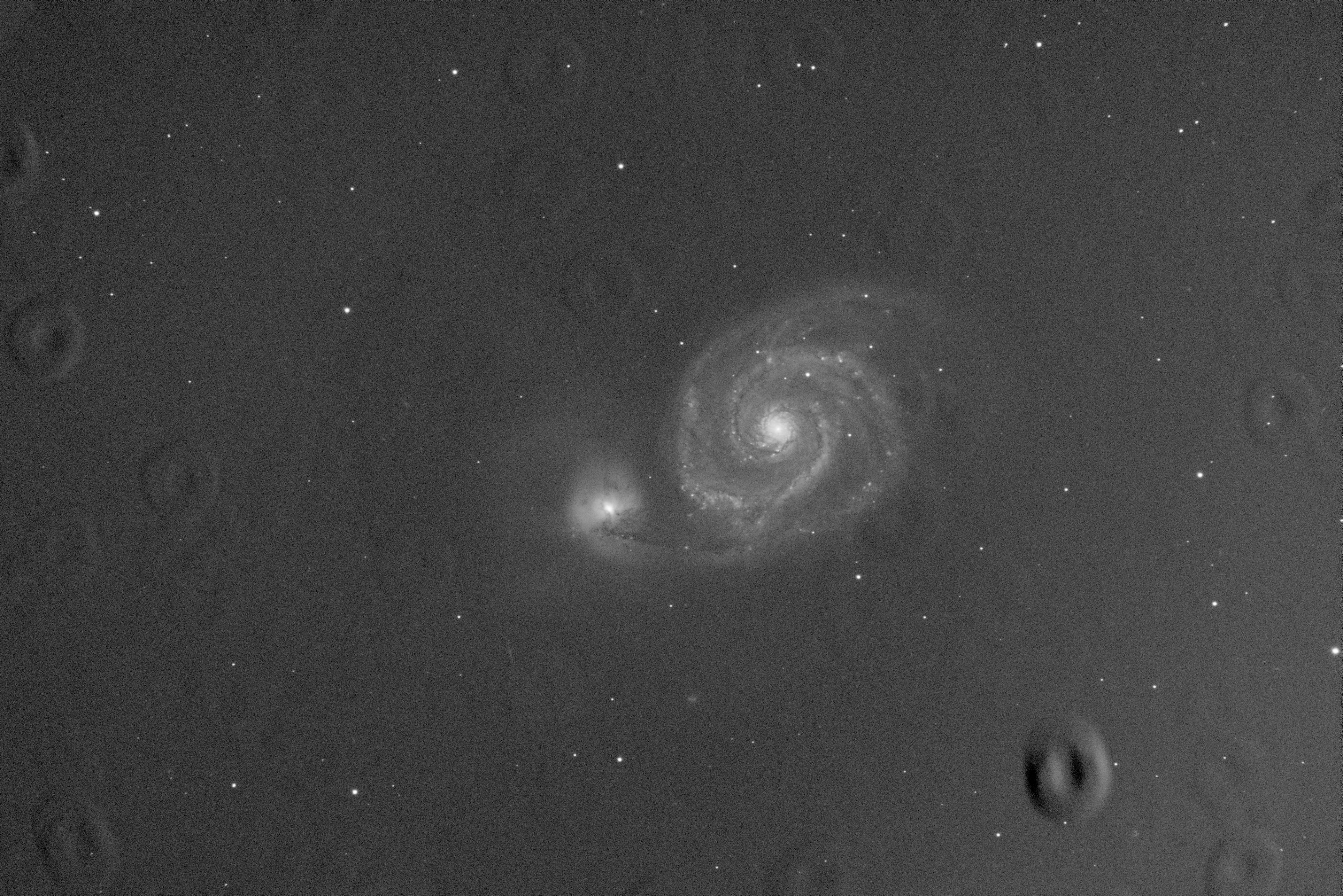
Not sure why my 80 x 60s Lum stacked shot is turning out this way - RGB works good. Using WBPP in Pixinsight
Shooting in heavy LP might be a factor - is there any way to adjust flat settings in NINA for this?
Any help would be appreciated.
Thanks!

Tommi Liinalampi avatar
You have dust in your luminance filter and filter wheel is not in same position when taking flats than when taking lights. Very typical result of that.

Change your filter wheel moving just one way if it's already not. Clean your filters to prevent problems if there is still some inaccuracy in filter wheel position. Hope you wont't get these creaters after that.
MeridianSkyAstronomy avatar
Thanks - will a calibration of the filter wheel correct this?
Will I still be able to use these lights?

ZWO EAF
Tommi Liinalampi avatar
I would recommend to take flats and lights in same calibration. In this case calibration would solve the problem only if it make gap between different positions shorter.

It would not be easy to fix this afterhand if this would not help. Maybe I would try to use mask around these creaters or donuts and remove some layers using MMT. But I think that you wont't get perfect result to do so.
John Hayes avatar
I completely agree with Tommi but I see one other thing.  Some of the dust is moving between when you take the lights and when you take the flats–and that's not good.  First, clean everything–perfectly.  Do the cleaning operation in a clean area.  Wear a mask so that you don't get spit on your filters.  And then use a duster when you are all done to get rid of any residual particles that get in.  Finally, seal your system to keep the dust out.  Tape up every single gap where there's an opening.  In a well cleaned system, you shouldn't see more than 1 or 2 dust motes.

John
Helpful Concise
andrea tasselli avatar
It can be fixed, to a signifiant degree, but it takes a bit of an effort and mastery of PI/Siril and NO WBPP. Obviously keeping everything clean beforehand is the way to go, as suggest by John and Tommi.
MeridianSkyAstronomy avatar
I ran it again with new flats and it corrected all areas except for the biggest mote in lower right
It appears that somehow the EFW did not correctly align L filter as you said - I'm not sure what caused this as I run flats all the time but usually for narrowband
I will shoot another set of Lum lights & flats tonight & hope for a better result.
My glass will get a cleaning soon
Thanks for the input
Related discussions
Flats adding to images instead of subtracting in PixInsight WBPP
Astro Friends, I have been imaging for about 5 years and have been successful using refractors and mono imaging. I have branched out this year and now have an SCT and mono setup. I am seeking help with my flats which seem to add themselves to my imag...
Discusses flat field issues in PixInsight WBPP processing, directly relevant to author's problem.
Jan 2, 2026
QHY-268M Noisy with narrow band
Hello, I just started using my QHY 268M, and I was surprised how noisy the images were, and full of square artefacts. These are screenshots from the Voyager FITS viewer. I guess I am doing something wrong, so I would love to hear what others have to ...
Addresses image quality issues with mono camera processing, potentially relevant to troubleshooting.
Sep 23, 2025