Why Do I Get Blurry Image With Seastar?

8 replies317 views
Szijártó Áron avatar
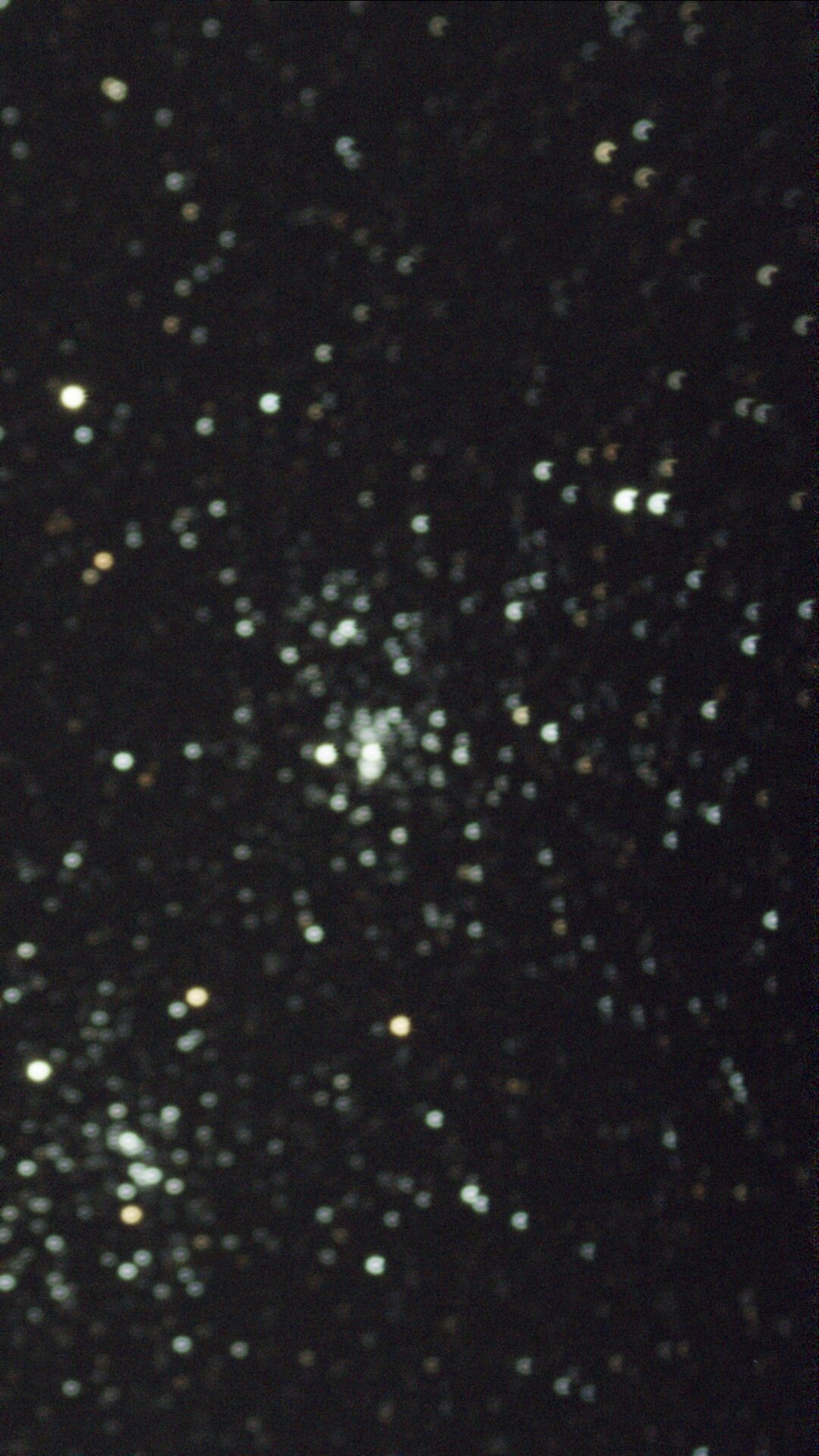
Hello and welcome. I'd like to ask everyone who uses the Seastar s50 or knows how to solve this issue. Recently, I have been trying to capture some early deep sky objects, and when my seastar is about to enhance the image, I got a very oddly blurred image. Why is this happening? What causing this? Is there a way to fix that anyway? That is so embarrassing that I was expecting a very sharp image to show up and then got this blurry image. Does anyone know how to solve this? Does it have to do with the weather conditions or with the focus?
Connor C avatar
You are not focusing your seestar. In the app, there's an option to autofocus it.
Well written
Szijártó Áron avatar
Connor C:
You are not focusing your seestar. In the app, there's an option to autofocus it.


So do I like disable the auto enhancing or whatever it is called, or cancel it? Because when it's about to do pre-enhancing the image after the go-to was successful, it won't give the option to autofocus. Only if I stop the enhancing.
ShelbyCouper avatar
You can auto focus once the enhancing has finished before your SeeStar starts taking images
ShelbyCouper avatar
What I did was use a bahtinov mask and get perfect focus on a star then change the numbers for the focus to whatever the new focus numbers are and I always get perfect focus every time.
Szijártó Áron avatar
You can auto focus once the enhancing has finished before your SeeStar starts taking images

So what u mean is that before it isnt loaded up the image or it isnt  did any exposure times yet? Which might vary depending where object is positioned. Sometimes when I take a exposure times on a deep sky object seastar sometimes manages to get more exposure times within a  hour and sometimes it can't due to star trails. Or if it does it doing it really slow.
ShelbyCouper avatar
Once the enhancement has finished and before you start taking your images go to a bright star center it and click AF. If you have a bahtinov mask use it to get your perfect focus by using manual focus. Take note of the number when you get your focus and go to your focus settings and input that number. Next time you autofocus it will be perfect.
Concise
Szijártó Áron avatar
Once the enhancement has finished and before you start taking your images, go to a bright star, center it, and click AF. If you have a bahtinov mask use it to get your perfect focus by using manual focus. Take note of the number when you get your focus and go to your focus settings and input that number. Next time you autofocus it will be perfect.

Okay. But will it alter the Image?
I never considered getting a Bahtinov mask until u mentioned it.

So what's gonna be the result? Is the image gonna be the same as without the mask, or it's gonna give a sharper look, knowing the device is working with the stars for some reason?
ShelbyCouper avatar
The images will be so much better because the stars and whatever you are imaging will be focused to the best of your SeeStars ability. It’s gonna blow your mind dude!
Related discussions
How Does Seastar's New Flats Work?
Hello and welcome, I'd like to ask everyone who is using Seastar and has taken flats with it or has experience, how does this work? I recently managed to do the flat shots with my Seastar, but there's one thing I don't know about this. Li...
Discusses Seastar flats functionality, relevant to image capture troubleshooting.
Jul 28, 2025
Odd Horizontal Thick Line Artifacts
Hello. I’ve reached a point of frustration and I’m unsure how to proceed. I have some image stacks that show up with these odd looking horizontal “lines. I cannot figure out what is causing it. I pre-processed in WBPP using lights, darks, bias, flats...
Addresses image artifacts and quality issues similar to blurriness problem.
Mar 13, 2026